I run a local installation in LAN of Wordpress. Since I have the Firewall changed on my router the Website is available from outside using my DynDNS address.
To make this happen also the wp-config needs to be updated with following line items:
define(‘WP_SITEURL’, ‘http://newdomainname’);
define(‘WP_HOME’, ‘http://newdomainname’);
Most of the things are running fine, but I can not maintain or create any episode.
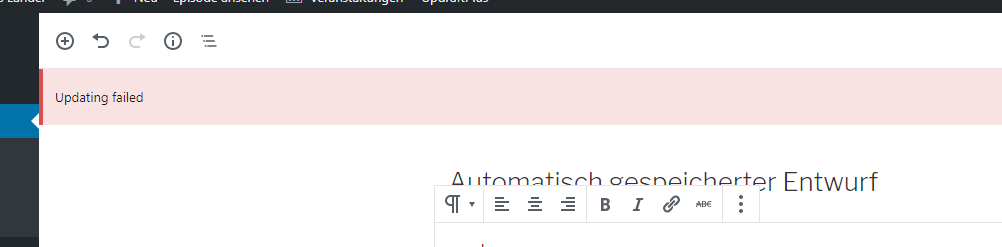
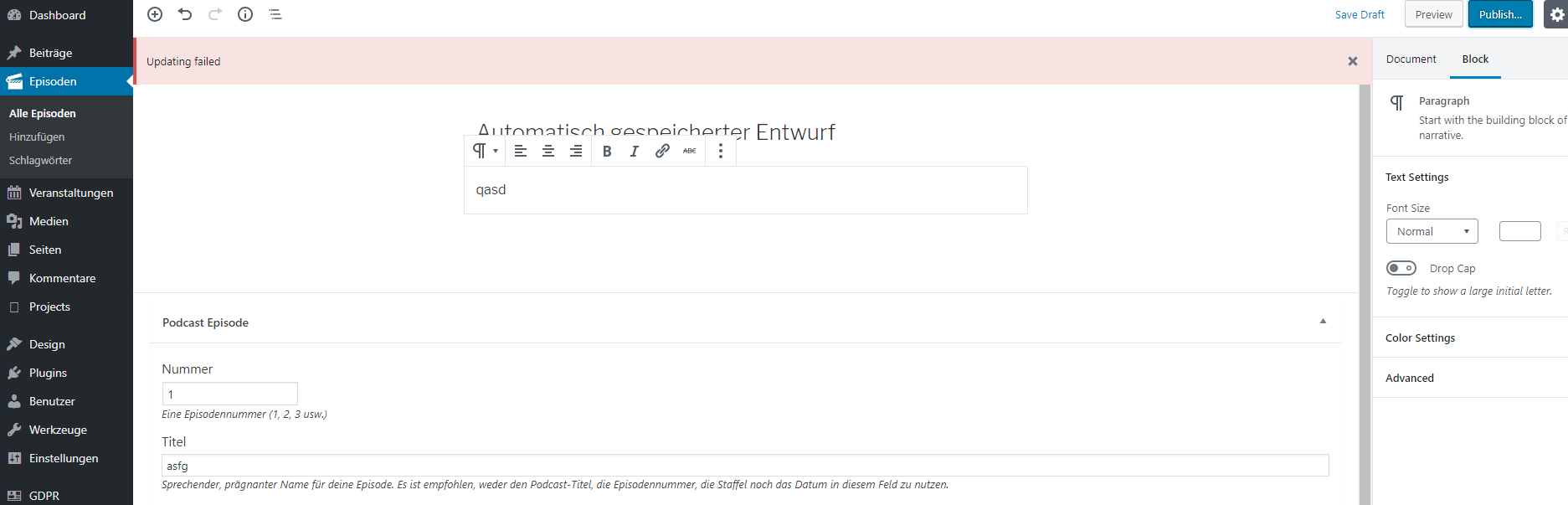
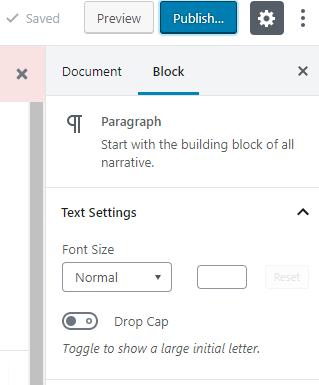
It’s always telling me: ‘updateing failed’ and ‘publishing failed’
Additionally, since this modification of the wp-config.php was done also the settings area from episodes is in english language, but all other menu is in german:
Any ideas??
This sounds less like a Podlove Publisher problem and more like a mixed URL / REST API issue after changing the WordPress site URL.
The “publishing failed” message usually appears when the WordPress REST API can’t reach itself correctly anymore. Since you switched from local LAN access to DynDNS, WordPress is probably trying to call the external domain internally and failing because of DNS, firewall, or loopback/NAT issues on the router.
That would also explain the weird language mix in the episode settings — parts of the backend are probably loading from a different URL context now.
First thing I’d test: open /wp-json/ on your new domain and see if it loads properly. If it errors or redirects strangely, that’s your culprit. Also check if the server itself can resolve and reach its own DynDNS hostname internally.
A lot of people fix this by keeping WP_HOME/WP_SITEURL on the local IP internally and using reverse proxy/DNS only for external access instead of forcing WordPress onto the DynDNS hostname everywhere.