But I asked my provider and they said they support byte range.
Also interesting: The feed from our old podcast (https://textlastig.com/) stopped working on iOS as well and we didn’t change anything on it for a long time. It all happened in one of the last weeks. Very weird.
I looked into it but the implementation of the validator seems to be closed source. So I don’t know what they are checking but it is wrong. Here’s an example range request which works perfectly fine:
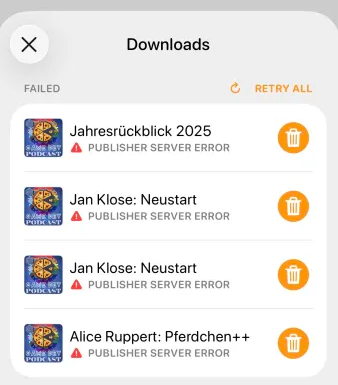
The weird thing is, that it seems to happen with all podcast clients I tried on iOS. I tested Castro, Pocket Casts, Podcat and Overcast. Neither of them can download an episode. I don’t have an Android device to test it myself. But from the few people we know, there doesn’t seem to be a problem on this platform.
Admittedly, Freak Show (which I guess also uses Podlove) does work.
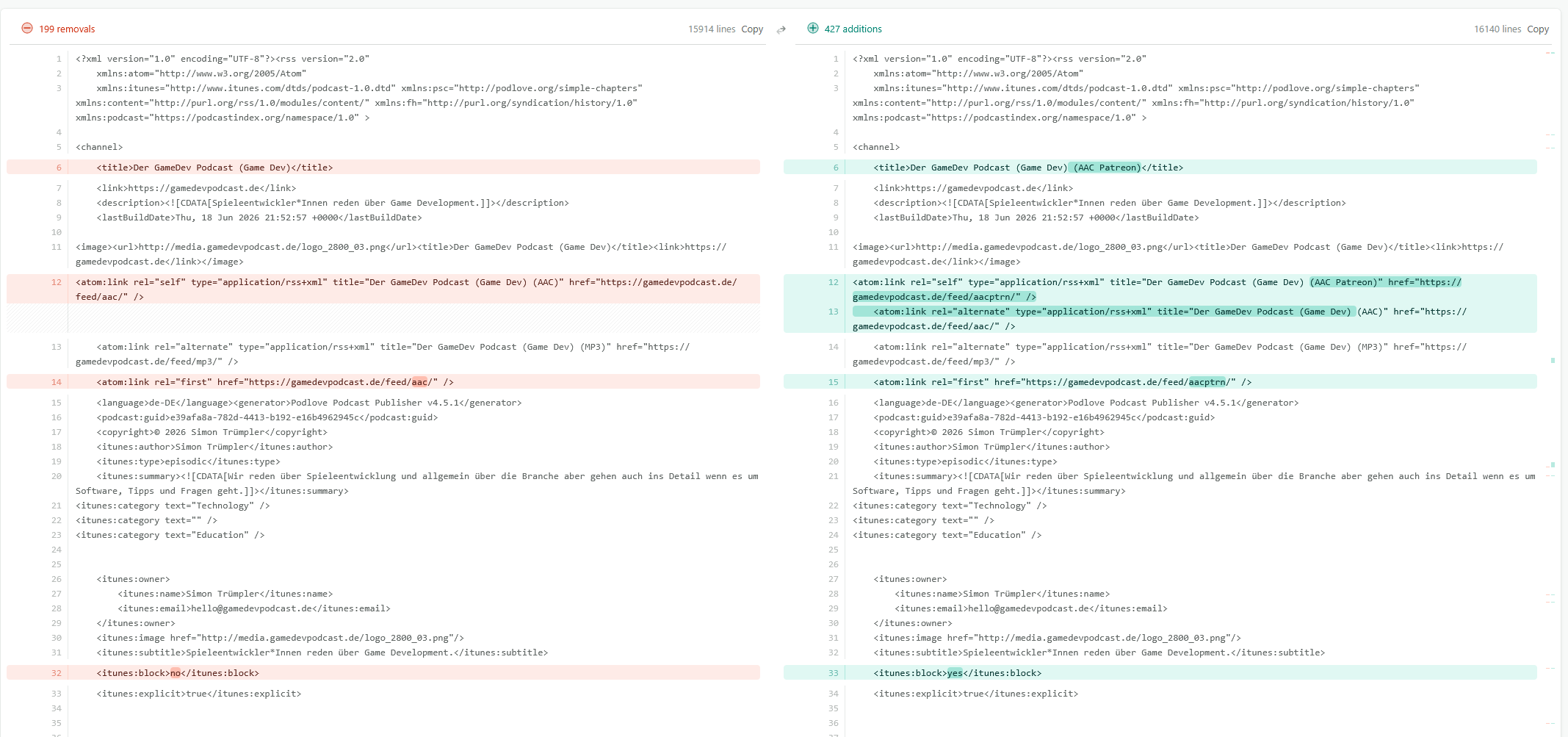
By now, I would bet on a misconfiguration on our end. But nothing changed for Textlastig in years (not even new episodes). I just kept updating Podlove Publisher (which never caused any issues). Any wild guesses as to what setting might cause this, given the limited info?
They use separate TLS virtual hosts/certificates. I reproduced the exact error by requesting the media hostname through a TLS connection established for the main hostname:
HTTP/2 421 Misdirected Request
Server: Apache
Castro is therefore likely reusing the original HTTP/2 connection after the redirect. Apache sees TLS/SNI for textlastig.com but Host: media.textlastig.com and rejects it. Browsers either open a fresh connection or automatically retry after 421, which explains why they work.
Apache documents precisely this behavior for HTTP/2 virtual hosts with incompatible TLS configurations. Apache mod_http2 documentation
Recommended fixes, in order:
Avoid the cross-host redirect. Serve the enclosure from one hostname, or make the feed point directly to https://media.textlastig.com/tl254_nlp.mp3. This is the safest and quickest confirmation/fix.
Alternatively, give both virtual hosts one certificate containing both names and ensure their TLS settings are identical.
Disabling HTTP/2 may work around connection coalescing, but is less desirable.
Do not weaken Apache’s SNI security policy to insecure; Apache warns that this can introduce a security vulnerability.
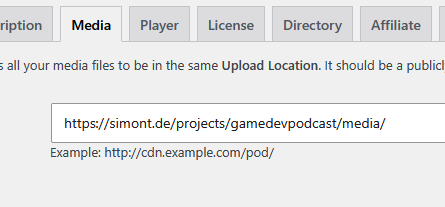
Ich habe es bei meinem Podcast (gleiches Setup wie bei Textlastig) nun so gemacht, dass ich einfach die “echte” URL eingetragen habe und nicht die schickere Sub-Domain (vorher war es media.gamedevpodcast.de).
I somehow managed to get the downloads working again.
All I did though was fix a Twig template bug (“Calling \“categories\” method on a \“Podlove\\Template\\Podcast\” object is not allowed.)” I accidentally found when checking the “Help” page’s debug log.
And while there are still two weird Podlove image cache warnings (its unable to download images referencing two weird URLs), the downloads seem to work again.
Thanks again for taking the time to look into this.